
Download Spooky Hat Shop – casual game, hat crafting, afterlife shop, spirit customers, crafting game, cozy game, cute spooky game, management game, relaxing game, fun game, fun casual game
Overview
Spooky Hat Shop offers a whimsical and lighthearted escape into a unique world where players take on the role of an intern managing a hat shop in the afterlife. Under the guidance of Death, the game blends casual gameplay with a distinctive aesthetic, delivering a relaxing yet engaging experience. The core purpose of the app is to provide players with a pick-up-and-play environment centered around crafting custom hats for a variety of spirit customers, each with their own preferences and quirks. This setup makes it ideal for those seeking short bursts of entertainment or longer, immersive sessions during downtime.
The game targets casual gamers, fans of cozy and quirky indie titles, and players who enjoy management and crafting mechanics with a touch of humor. The developer, Jason K. Menard, has crafted a narrative-driven experience that stands out in the crowded casual game market.
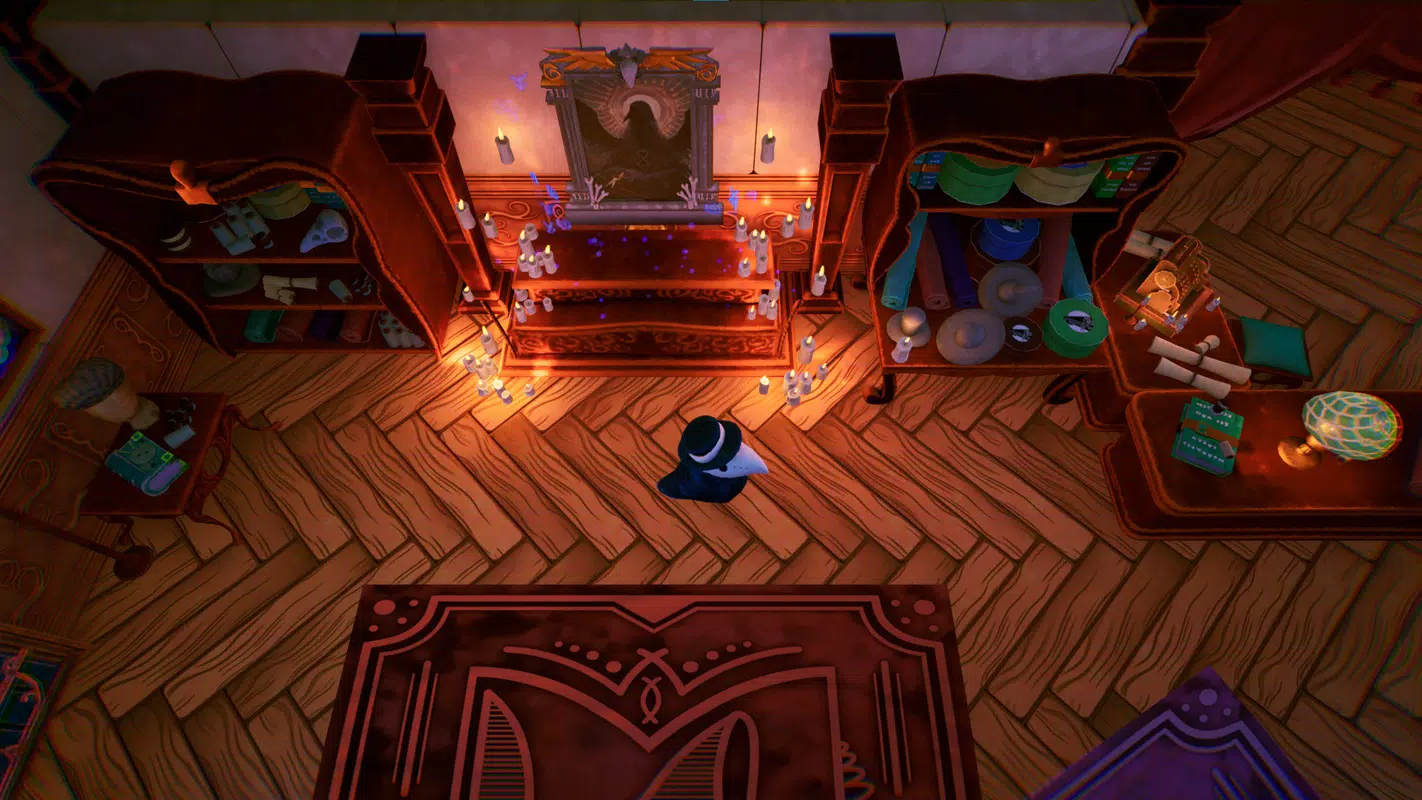
By placing the player in a charming shop run by Death and allowing interactions with Lady Death and the creation of an altar, the game adds depth beyond simple mechanics. Real-world use cases include stress relief, creative expression, and casual entertainment during commutes or breaks. In the broader app ecosystem, Spooky Hat Shop fills a niche for games that combine aesthetic charm with accessible gameplay, offering a refreshing alternative to high-intensity or competitive titles.
Key Features & Functionality
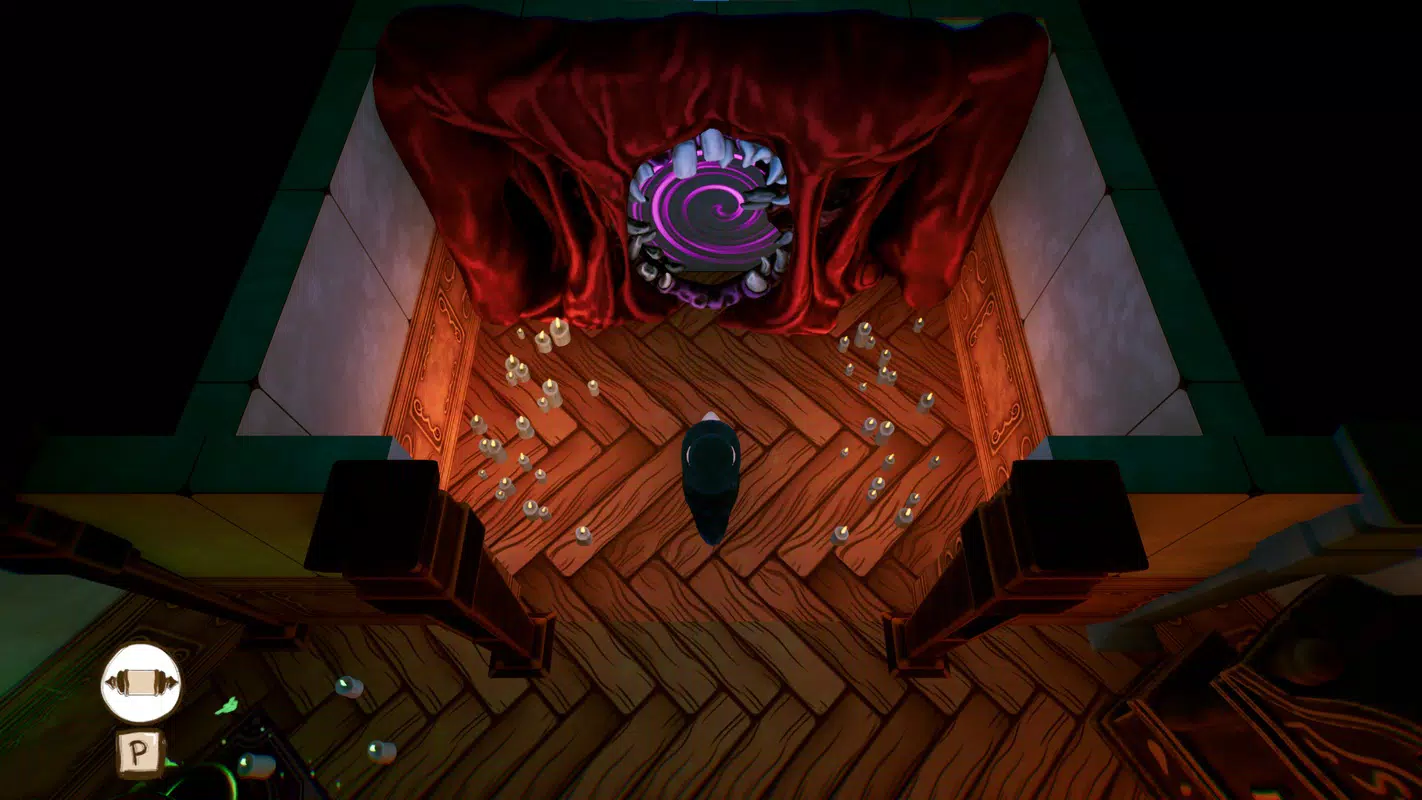
- Unique Theme and Style: The game features a distinctive blend of spooky and cute visual elements, creating a vibrant and inviting atmosphere. The whimsical design of the shop, spirits, and hats contributes to a playful yet eerie aesthetic that appeals to a wide audience.
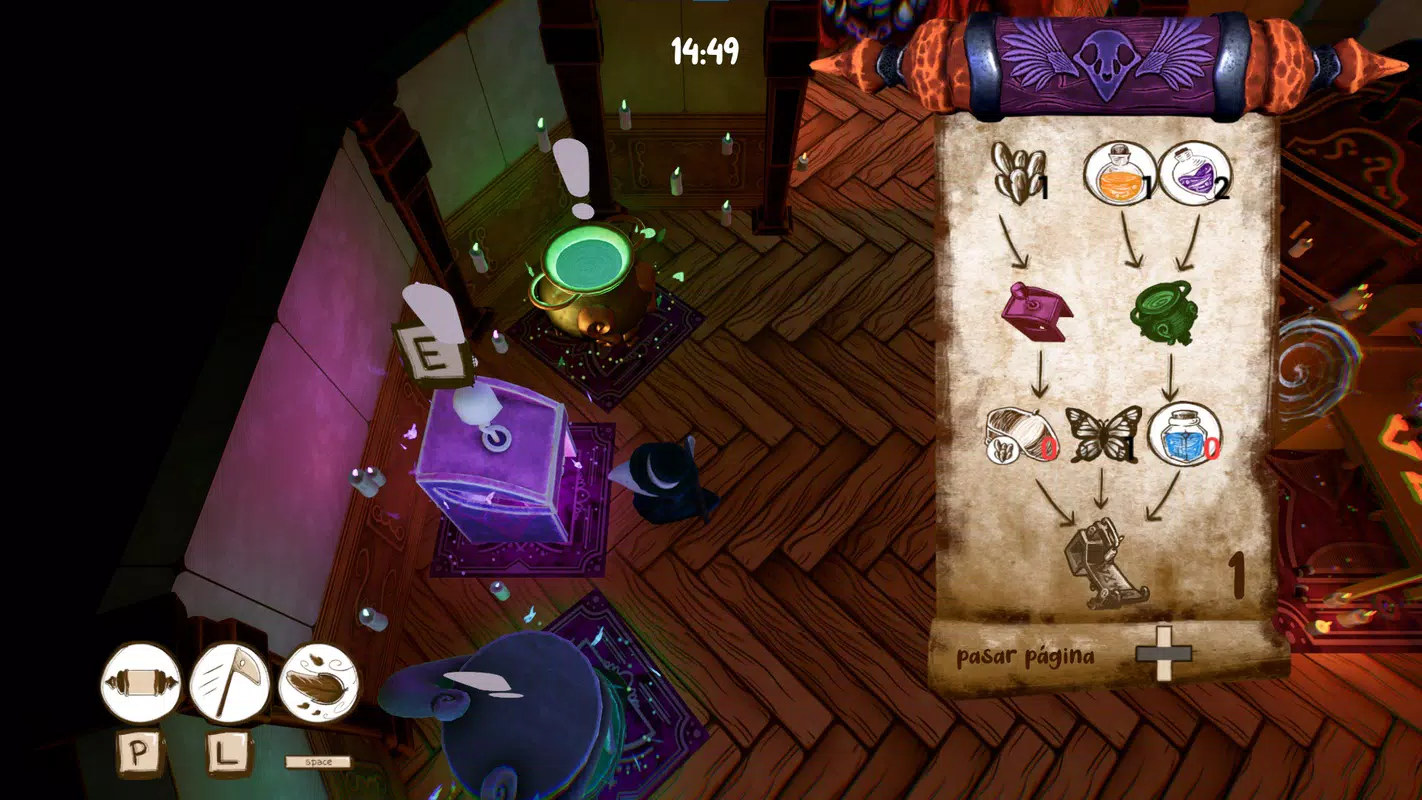
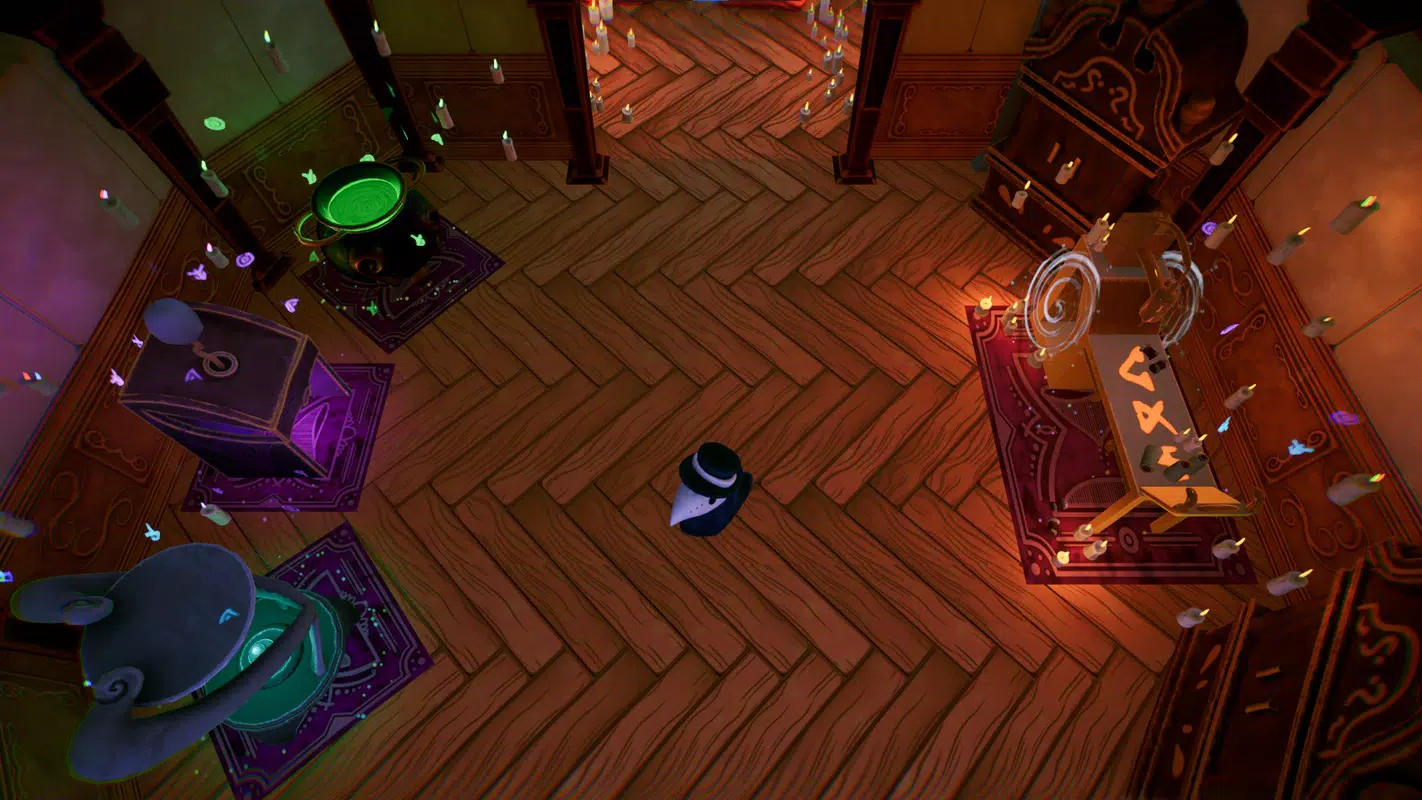
- Hat Crafting Mechanics: Players must collect specific materials and use various crafting tables to design hats that meet individual spirit requests. This system encourages experimentation and strategic planning, as each customer has unique preferences.
- Charming Narrative Elements: Beyond crafting, the game incorporates narrative depth through interactions with Lady Death and the ability to build an altar. These elements foster a sense of connection and progression, enriching the player’s emotional investment.
- Accessible Gameplay Experience: Designed for flexibility, the game supports both short and extended play sessions. The intuitive mechanics allow players to jump in and out without losing progress, making it suitable for casual use on smartphones.
- Store Management Challenges: The chaotic storage room introduces an element of strategy, requiring players to organize and manage limited space. Successfully balancing inventory and customer demands adds a satisfying layer of complexity.
For example, a player might need to gather rare moonlight petals and ghostly thread to craft a hat for a mourning spirit, while simultaneously clearing cluttered shelves to make room for new supplies. These scenarios reflect real-world problem-solving in a fun, imaginative context, enhancing both engagement and replayability.
Interface, UX & Performance
The user interface of Spooky Hat Shop is designed with clarity and ease of use in mind. The layout prioritizes essential functions—crafting, inventory, customer queue, and storage—ensuring intuitive navigation. Visual cues and consistent iconography help players quickly identify actions and statuses, minimizing the learning curve. The art style, with its soft colors and playful character designs, contributes to a calming and immersive experience.
Navigation flows logically from one section to another, allowing players to switch between crafting, managing storage, and serving customers with minimal effort. The game maintains responsive performance across a range of device categories, though specific technical benchmarks were not provided by the developer. Although the developer did not list formal performance metrics, the game appears stable during typical use, with no reported crashes or freezes in standard gameplay scenarios.
Stability is maintained through consistent state management, ensuring that progress is preserved even during interruptions. The app’s lightweight size of 125 MB suggests efficient resource usage, which supports smooth operation on mid-tier Android devices. Overall, the UX is well-balanced, offering a seamless blend of visual appeal and functional utility.
Platform Compatibility & Technical Requirements
Spooky Hat Shop is available exclusively on the Android platform. The current version is 1.0.2, with a file size of 125 MB. The developer did not specify minimum OS requirements or device compatibility details. As such, compatibility with specific Android versions or hardware configurations remains unclear.
Given the app’s size and casual nature, it is likely optimized for a broad range of Android devices, including entry-level smartphones. However, without official documentation, users should exercise caution when installing on older or low-spec devices. The absence of detailed technical specifications prevents definitive conclusions about performance on specific hardware.
Pros and Cons
- Engaging blend of crafting and management gameplay
- Whimsical and appealing art style that stands out
- Accessible design suitable for short or long play sessions
- Unique narrative elements enhance player immersion
- Free to download and play with no in-app purchases mentioned
- Specific system requirements were not listed
- Compatibility with older Android versions is uncertain
- Limited information on performance on low-end devices
- No official update frequency or developer support details provided
- Gameplay depth may be limited for players seeking high complexity
FAQ
Is Spooky Hat Shop free to download?
Yes, the app is available at no cost. There is no indication of in-app purchases or premium features within the provided information.
What platform is Spooky Hat Shop available on?
Spooky Hat Shop is currently available on Android devices.
Can I play Spooky Hat Shop without an internet connection?
Based on the game’s casual and offline-friendly mechanics, it is likely playable without an internet connection. However, the developer did not confirm this explicitly.
How large is the app file size?
The app has a file size of 125 MB, which is relatively lightweight for a mobile game with visual content.
Is the game suitable for children?
Given its cute and whimsical aesthetic, along with non-violent gameplay, Spooky Hat Shop is likely appropriate for younger audiences. However, parental discretion is advised due to the supernatural theme.
Final Thoughts
Spooky Hat Shop delivers a charming, relaxing experience that stands out in the casual gaming space. With its unique blend of hat crafting, store management, and narrative depth, it appeals to players who enjoy cozy, imaginative worlds. The game’s visual style and accessible mechanics make it ideal for casual gamers seeking a lighthearted escape. While technical details are limited, the overall experience remains stable and enjoyable.
Players who appreciate whimsical storytelling, creative problem-solving, and soothing gameplay will find the most value in this title. Its free availability further enhances its appeal. Whether you're looking for a fun distraction or a relaxing pastime, Spooky Hat Shop offers a delightful way to unwind.
Download Spooky Hat Shop now


